How to forward portal lead emails to Genluno
By Abhishek Bharti, Founder of Genluno
How do portal leads reach Genluno?
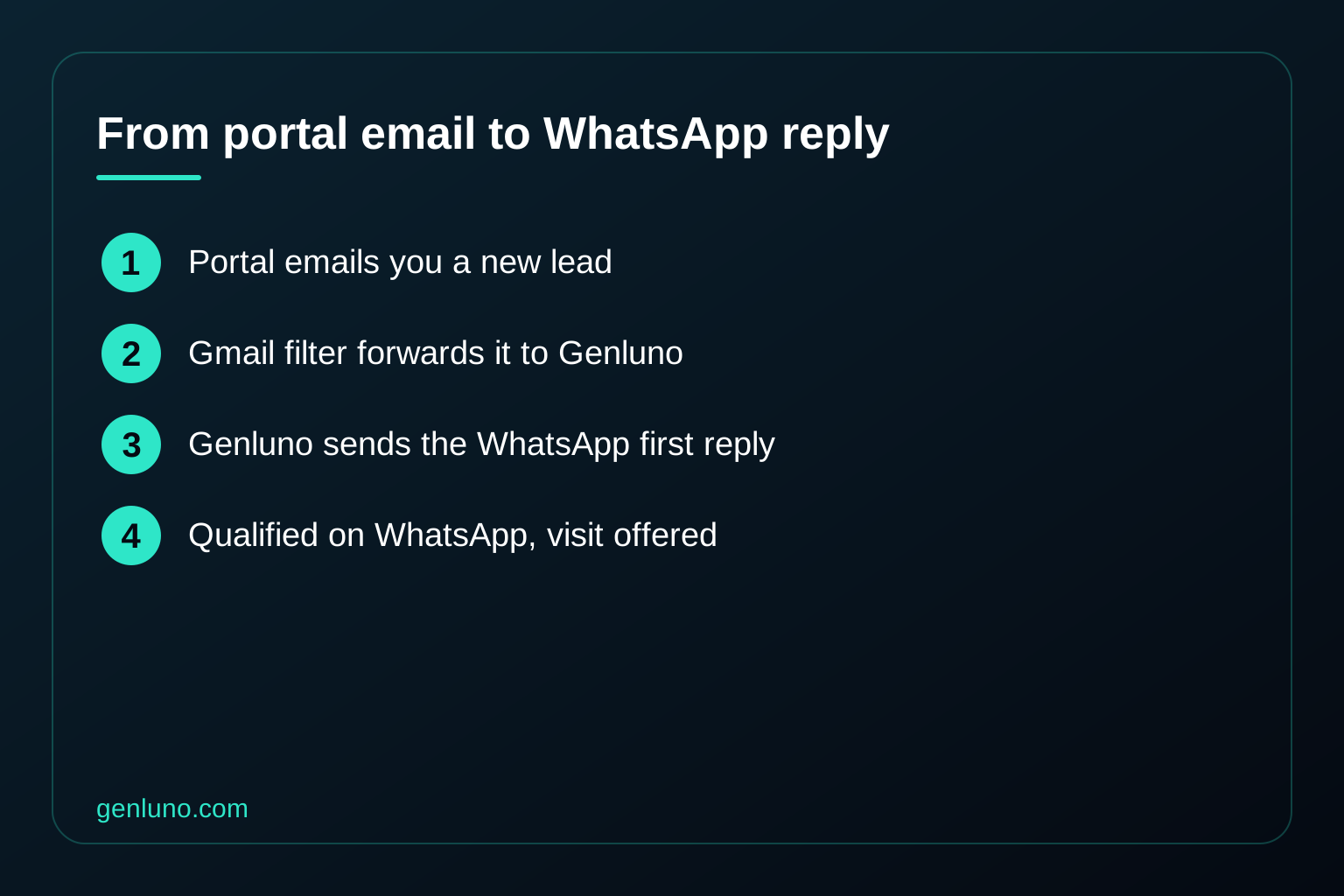
Each brokerage gets a unique forwarding address on genluno.xyz, shown in the Genluno dashboard. You forward the portal’s lead emails to it, and Genluno reads the buyer’s details from the email and sends the first WhatsApp message. It reads only emails that come from, or name, one of the 10 portals it supports.
What are the steps in Gmail?
- Copy your forwarding address from the Genluno dashboard.
- In Gmail, open Settings → See all settings → Forwarding and POP/IMAP and choose Add a forwarding address.
- Paste the Genluno address. Gmail asks you to verify it: the confirmation code (or link) shows in your Genluno dashboard, on the Setup and Integrations pages.
- Open Filters and Blocked Addresses and create a filter for the portal’s sender address.
- Choose Forward it to your Genluno address and save the filter.
- Wait for the next real lead, or check the dashboard after a test, to confirm it arrived.
What tips avoid problems?
- Forward only lead emails using a sender filter, not your whole inbox.
- Repeat the filter for each portal you use.
- Other email providers with forwarding rules work too, but only Gmail's confirmation code is detected and shown in your Genluno dashboard.
Which sources can you connect?
Genluno handles the 10 portals listed on the integrations page: 99acres, MagicBricks, Housing.com, NoBroker, Square Yards, PropTiger, RealEstateIndia, Makaan, CommonFloor and Sulekha. Meta lead ads and website forms are coming soon: join the waitlist on WhatsApp. Start the 5-day free trial (no card needed).
Frequently asked questions
Where do I find my Genluno forwarding address?
In your Genluno dashboard. Each brokerage has a unique address on genluno.xyz.
Will forwarding copy my whole inbox?
Not if you use a filter. Create one per portal sender so only lead emails are forwarded.
Does this work with providers other than Gmail?
Yes. Any email service that lets you forward messages by rule can send lead emails to your Genluno address. Only Gmail's forwarding confirmation code is detected and shown in your dashboard.
Want your portal leads answered on WhatsApp in about 60 seconds? See Genluno work a live lead.
Book a demo →Keep reading
Site-visit reminder messages that cut no-shows
Three short WhatsApp messages protect a booked visit: confirmation, day-before reminder and a morning-of note. Copy-ready templates included.
CRM or WhatsApp AI: what a small broker needs
A CRM stores leads. A WhatsApp AI replies to them. A plain way for small brokerages to decide which problem to fix first.
Lead follow-up checklist for a solo broker
A one-person brokerage cannot watch every inbox all day. A seven-step checklist that keeps leads moving without living on your phone.