PropTiger Leads: From Enquiry to Site Visit
By Abhishek Bharti, Founder of Genluno
Overview
A PropTiger enquiry usually lands in a channel partner's inbox tied to one specific builder project, but the email itself can be thin on detail - a name, a phone number, sometimes a locality. Before you reply, you need to match PropTiger leads to the right project in your portfolio, because PropTiger channel partner leads rarely name the project twice.
After that, someone needs to ask the buyer their budget, locality preference, timeline and whether they're buying or renting - questions that decide whether a site visit even makes sense. This post covers both halves: the manual matching only you can do, and the WhatsApp conversation that Genluno can run once the lead is forwarded. It does not match projects or quote prices - that stays with you - but it does handle the first reply and the qualifying chat in about 60 seconds.
How do PropTiger leads reach a channel partner broker?

PropTiger sends an enquiry email to the registered channel partner address the moment a buyer fills a form on a project microsite or listing page. The email usually carries the buyer's name, phone number, and sometimes the project name in the subject line, but not always their budget or urgency.
The email arrives from PropTiger's system, addressed to whichever inbox you registered when you signed up as a channel partner for that project or developer. Most channel partners handle more than one project at a time, so the same inbox can receive enquiries for a 2BHK launch in Greater Noida West one hour and a plotted development in Sohna the next.
The subject line sometimes names the project, sometimes just says "New Lead" with a generic reference number, which means you can't always tell which listing the buyer clicked without opening the body of the email.
This is also the point where forwarding rules matter. If you want a tool like it to send the buyer a WhatsApp message, you set up a one-time forwarding rule from your mailbox to your forwarding address - it never signs in to your inbox or reads it directly. The forwarding happens before the matching step, because the first WhatsApp message buyers get is a fixed template with their first name and your brokerage name; it does not name the specific project, since that's information only you can confirm.
How do I match a PropTiger enquiry to the right builder project?

Figuring out how to reply to PropTiger enquiry messages starts with identifying which project the buyer actually contacted, since the WhatsApp chat that follows won't name it for you.
Here's a simple checklist to work through before you forward anything:
- Open the email and scan the subject line and body for a project name, RERA number or microsite link.
- If a reference code is present, match it against your list of live PropTiger campaigns.
- If the code is missing, check the locality the buyer mentioned against which campaigns are currently active.
- Cross-reference the phone number and any budget hint against your running campaigns if the locality alone isn't conclusive.
For a hypothetical example: say you're a channel partner handling two live PropTiger campaigns, one for a 3BHK project in Greater Noida West priced between roughly ₹85 lakh and ₹1.1 crore, and another for a plotted development in Sohna priced upward of ₹1.5 crore. An enquiry mentioning "Greater Noida" and a budget hint under ₹1.2 crore almost certainly belongs to the first campaign.
Keep a simple spreadsheet mapping project names to their PropTiger reference codes and microsite URLs. This turns matching into a two-minute lookup instead of a guessing game, and it's the step that has to happen before you forward anything for an automated reply. This is builder project lead management broker work that only you can do - no tool can shortcut it.
What happens after I forward the matched PropTiger lead to Genluno?

Once you forward the lead email, the tool sends the buyer a WhatsApp message in about 60 seconds using a fixed template with their first name and your brokerage name. It does not mention the project; after the buyer replies, it asks budget, locality, timeline and buy-or-rent in natural chat.
The WhatsApp auto reply PropTiger buyers receive first is deliberately generic - it introduces your brokerage and invites a reply, but it never names the listing, because matching the project to the buyer is your job.
This keeps the system honest: it's not guessing which of your campaigns the buyer clicked, it's simply opening a conversation quickly so the lead doesn't sit untouched waiting for a callback.
Once the buyer responds, the chat carries forward in English, Hindi or Hinglish depending on how the buyer writes, asking for budget range, preferred locality, purchase timeline, and whether they're looking to buy or rent.
For a channel partner, this is useful because these four answers are usually enough to confirm or correct your earlier project match. If a buyer who enquired about a Greater Noida West project says their budget is ₹1.8 crore and they want Golf Course Extension Road, you know to redirect them to a different project in your portfolio before the site visit is even booked, rather than sending them to view the wrong unit.
There's no chat takeover built in - a broker or salesperson can't join the WhatsApp thread - so the qualifying conversation runs on its own, and you act on the answers afterward.
How does Genluno decide which site-visit slots to offer?

After collecting budget, locality, timeline and buy-or-rent, it offers three site-visit slots pulled from the visit hours you've set and books whichever one the buyer picks.
It does not check your calendar or avoid double-booking automatically - you still confirm the slot and the correct project on your end.
The slot offer comes directly from the visit hours you configure for your brokerage inside the products page setup, not from any live calendar sync. There's no calendar integration today, so if you already have a visit booked for that time through another channel, you'll need to catch the overlap yourself when you see the booking confirmation by email.
For a channel partner juggling multiple projects, this is the moment to double-check your earlier match one more time. Say the buyer's locality answer was Dwarka Expressway and their timeline was "within three months" - before you confirm the visit, verify that the project you matched them to in step two actually fits that locality and timeline, not just the one tied to the original enquiry email.
Turning a PropTiger lead to site visit booking is the next job once the chat finishes qualifying them. The four data points are handed to you already collected; converting that into the correct site visit, at the correct project, with the correct pricing and possession details, stays a manual step because the bot never quotes prices or availability and doesn't match buyers to inventory.
Broker alerts for new bookings and replies come by email, so you'll see the confirmed slot and can prepare your site team or sales kit for that specific project ahead of the visit.
How do I set up PropTiger lead forwarding WhatsApp?
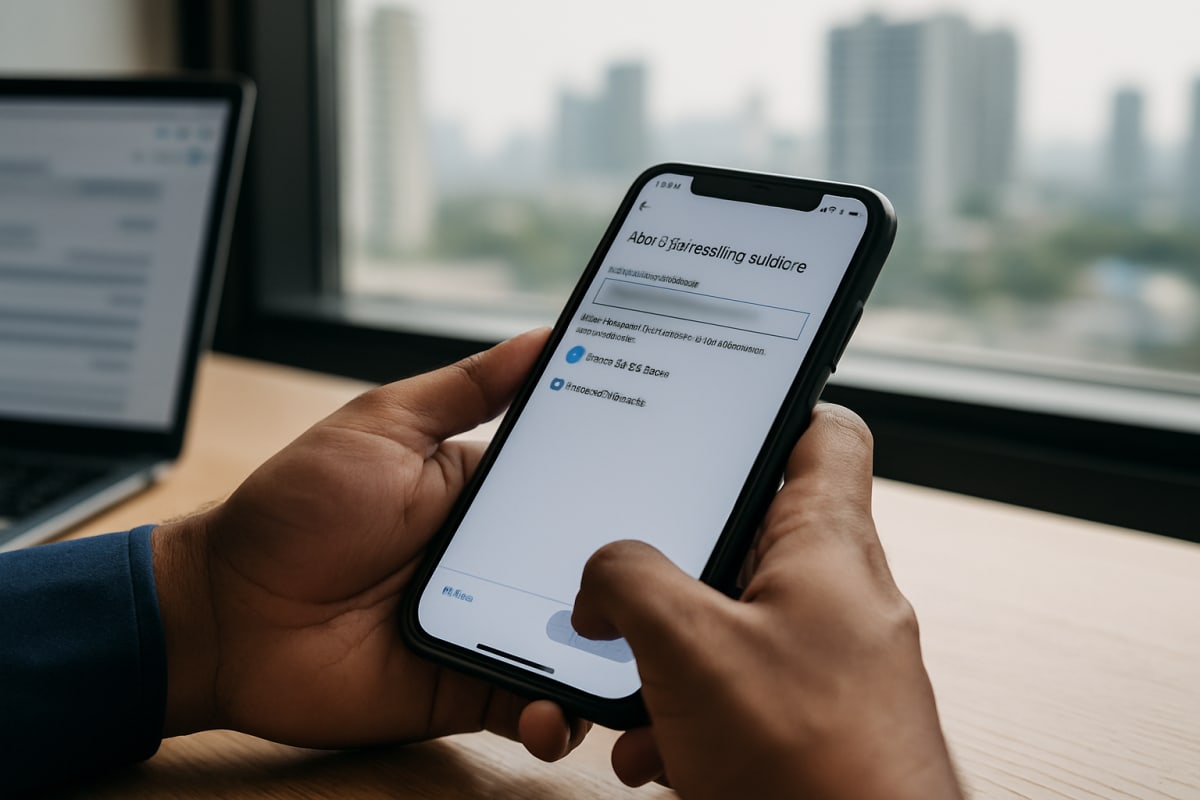
You create a one-time email forwarding rule in your mailbox that sends PropTiger enquiry emails to its forwarding address. It never signs in to your inbox; it only receives what you forward, so the rule is a one-time setup step during onboarding.
Most email providers let you set a forwarding filter based on the sender's domain - in this case, the address PropTiger uses to send channel partner enquiries. Once that filter points to your unique forwarding address, every matching email gets copied there automatically, and you keep receiving the original in your own inbox for your records.
It's worth testing the rule with one real enquiry before relying on it fully. Forward a sample PropTiger lead, confirm the buyer gets the WhatsApp message within about 60 seconds, and check that your broker alert email arrives correctly.
This also applies to the other nine portals supported - 99acres, MagicBricks, Housing.com, NoBroker, Square Yards, RealEstateIndia, Makaan, CommonFloor and Sulekha - so if you're a channel partner also running direct listings on other portals, you can forward from all of them to the same address.
Founding 100 prices start at ₹2,499 a month (list price ₹2,999), locked for 12 months with no GST added, after a 5-day free trial. The Founding 100 offer is available until 100 paying brokers join. If you want to see the setup screens before committing, the get started page walks through the forwarding rule step by step.
Frequently asked questions
Does Genluno know which builder project a PropTiger lead is interested in?
No. It sends a fixed WhatsApp template that doesn't name any listing or project. Matching the enquiry to the correct project in your portfolio is something only you can do, usually from the email subject line, reference code, or stated locality.
Can the tool quote the price or possession date for a project to a PropTiger lead?
No. It never quotes prices, availability or possession dates and does not match buyers to inventory. Those questions always go back to the broker once the chat has collected budget, locality, timeline and buy-or-rent.
What languages does it use when chatting with a PropTiger lead?
It mirrors whichever language the buyer uses - English, Hindi or Hinglish - and doesn't switch to any other language on its own.
How quickly does it reply after I forward a PropTiger enquiry?
About 60 seconds, day or night, from the shared official WhatsApp Business number, once the lead email has been forwarded to your forwarding address.
Can I use this for portals other than PropTiger?
Yes. It accepts forwarded leads from 99acres, MagicBricks, Housing.com, NoBroker, Square Yards, PropTiger, RealEstateIndia, Makaan, CommonFloor and Sulekha, all through the same forwarding setup.
Does it avoid double-booking site visits automatically?
No, there's no calendar integration today, so it offers three slots from your set visit hours and books whichever one the buyer picks - you still need to check that slot against your own schedule.
Matching a PropTiger enquiry to the right project is work only a channel partner can do well - checking the subject line, the reference code, and the buyer's stated locality against your live campaigns. Once that match is made, the slower part of the job, getting a first reply out and collecting budget, locality, timeline and buy-or-rent, can run on WhatsApp without you typing it out each time.
You can see how the forwarding and chat flow fit together on the how it works page, or compare plans on the compare page before signing up. Genluno is a WhatsApp AI sales rep for Indian real-estate brokers that replies to forwarded portal lead emails on WhatsApp in about 60 seconds, asks budget, locality and timeline, and offers site-visit slots.
Want your portal leads answered on WhatsApp in about 60 seconds? See Genluno work a live lead.
Book a demo →Keep reading
Festive Season Real Estate Leads: Navratri Pipeline Checklist for Delhi NCR and Mumbai Brokers
Navratri to Diwali is the busiest lead season for Indian real estate, and a disorganised pipeline costs brokers real conversions. This one-week checklist helps Delhi NCR and Mumbai brokers get CRM, team and WhatsApp replies festive-ready before the rush starts.
Square Yards Leads: Qualifying Before You Call
New-launch project brokers get a flood of Square Yards leads, but most need qualifying before a call is worth making. These four WhatsApp questions sort serious buyers from browsers in under two minutes.
NoBroker Leads for Brokers: Converting Owner-Direct Renters Who Expect No Brokerage
NoBroker leads come in expecting zero commission, which means brokers lose most of them in the first reply. Here is a script-based approach to handling the objection and still closing the rental.