Cost per site visit: what your portal leads really cost
Cost per lead tells you what you paid for enquiries. Cost per site visit tells you what you paid for buyers who showed up. How to calculate and lower it.

Abhishek BhartiFounder, Genluno
How do you calculate cost per site visit?
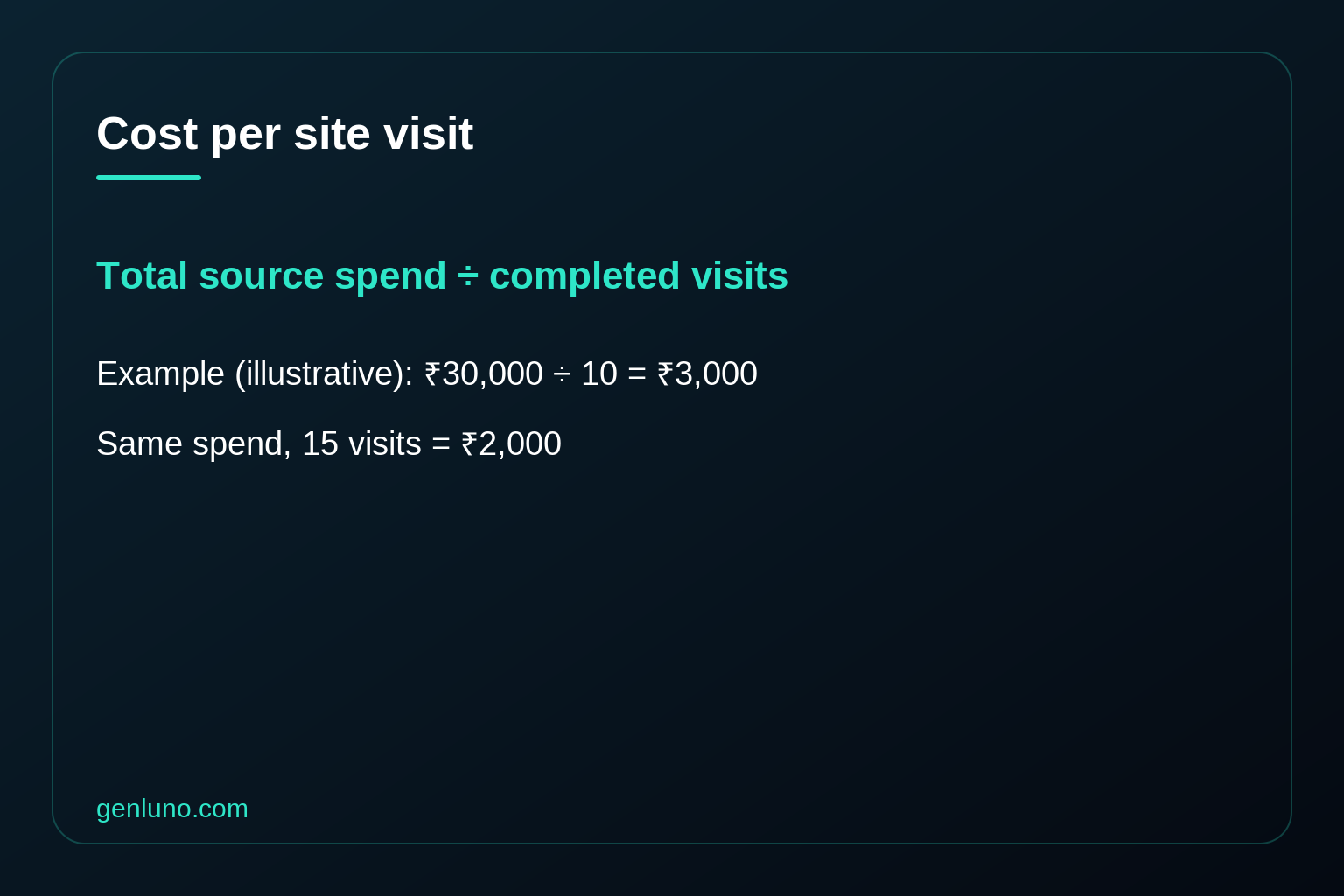
Divide your total spend on a lead source by the number of site visits completed from it in the same period. Spend includes subscriptions and any pay-per-lead charges.
What does a worked example look like?
Illustrative numbers: a broker spends ₹30,000 a month on one portal and completes 10 site visits from it. That is ₹3,000 per visit. If faster replies and better booking lift it to 15 visits on the same spend, the figure drops to ₹2,000. The spend did not change; the conversion of enquiries into visits did.
Which numbers do you need to track?
- Spend per source, per month.
- Leads received per source.
- Leads replied to within five minutes.
- Visits booked, and visits actually completed.
What usually moves the number?
- Reply speed. Slow replies waste spend already made. See why a 4-minute reply beats a 4-hour one.
- Qualification. Booking only buyers whose budget and locality match avoids wasted trips.
- Confirmation. Reminders cut no-shows, the gap between booked and completed visits.
Genluno replies on WhatsApp in about 60 seconds to leads from the 10 portals it supports, qualifies budget, locality and timeline, and offers three visit slots so the buyer can book one. See pricing.
Frequently asked questions
What is cost per site visit?
Total spend on a lead source divided by the site visits completed from it in the same period.
Why is it better than cost per lead?
It measures buyers who actually showed up, so it reflects reply speed, qualification and booking, not just enquiry volume.
How often should I calculate it?
Monthly, per source, so you can see which portal produces visits and which only produces enquiries.
More from the blog
Keep reading
Meta lead ads for real estate: how fast to reply and what to say
Facebook and Instagram lead-ad enquiries are easy to submit and easy to forget. How to reply fast enough to be remembered, and what to say.
How to forward portal lead emails to Genluno
Most property portals email you each new lead. Forward those emails to your Genluno address and Genluno replies on WhatsApp in about 60 seconds to leads from the 10 portals it supports.
Site-visit reminder messages that cut no-shows
Three short WhatsApp messages protect a booked visit: confirmation, day-before reminder and a morning-of note. Copy-ready templates included.
CRM or WhatsApp AI: what a small broker needs
A CRM stores leads. A WhatsApp AI replies to them. A plain way for small brokerages to decide which problem to fix first.
Lead follow-up checklist for a solo broker
A one-person brokerage cannot watch every inbox all day. A seven-step checklist that keeps leads moving without living on your phone.
Housing.com Leads: A Broker's First-Reply Playbook
A step-by-step WhatsApp script for the first three messages to a Housing.com lead, built for rental and resale brokers who need to reply within minutes. Includes the mistakes that quietly kill conversions after a good first reply.
Get started
See Genluno work a live lead on WhatsApp
Tell us how leads reach you today. We'll run a real enquiry through Genluno on your phone. Free for up to 15 leads a month, no card.